Free · No login · Public videos
Facebook Video Downloader, Download FB Videos in HD Free.
fvidsaver is a free online Facebook video downloader. Paste a Facebook video link and download Facebook videos, Reels, Watch videos & Live replays in HD, 1080p, 2K, SD or MP3. No app, Facebook login is required for public videos, and no watermark is added to your video.
Paste your video link
Paste the public video URL, pick a format and quality, then press Download.
Facebook Video Downloader
Download Facebook videos, Reels, Watch videos and Live replays in HD — free, no login, no app.
Only download videos you own, or public videos you have permission to save. Do not download private videos, or redistribute copyrighted content without permission. fvidsaver is not affiliated with Facebook / Meta.
You can save a video to watch offline, keep a copy for personal use, or extract only the audio as MP3. The tool works in your browser on Android, iPhone, Windows, Mac and tablets. Just copy the link, paste it in the box below, choose a quality, and download.
Free Forever
No Login Required
HD 1080p & 2K
No Watermark
No registration required. Only publicly accessible videos are supported. fvidsaver does not store your videos or your download history.
Facebook Video Downloader in HD Free
fvidsaver is a free online Facebook video downloader. Paste a Facebook video link and download Facebook videos, Reels, Watch videos and Live replays in HD, 1080p, 2K, SD or MP3. No app or Facebook login is required for public videos, and no watermark is added to your video.
A video can be save to watch it later offline, keep a copy for personal use, or extract only the audio as MP3. The tool works in your browser on Android, iPhone, Windows, Mac and tablets. Just copy the link, paste it in the box below, choose a quality, and download.
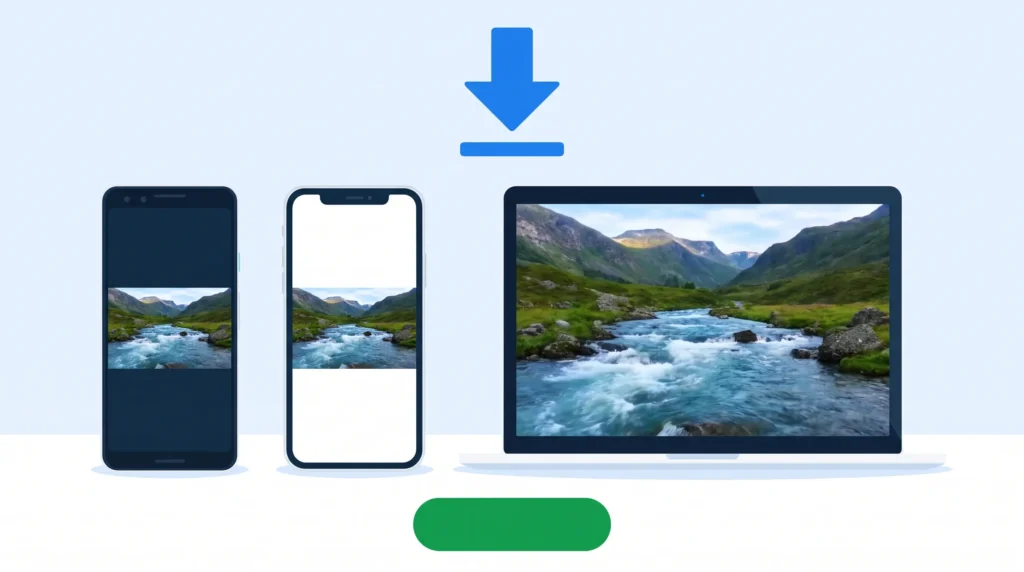
How to Download Facebook Videos
Download a Facebook video in 3 simple steps. No software, no extension, no account.
Step 1: Copy the Facebook Video Link
Open Facebook, find the video you want to save, tap Share, then tap Copy Link. This works for a normal video, a Reel, a Watch video. You can also copy a fb. watch link or a share link and this accepts all Facebook video links.
Step 2: Paste the Link into fvidsaver
Go back to fvidsaver and paste the video link into the box at the top of this page.
You do not need to log in to Facebook or to fvidsaver.
Step 3: Choose a Quality and Download
Click Download, choose the quality, HD 1080p, HD 720p, SD 360p, 2K, or MP3 audio only & save the file to your device. The quality you see depends on the original video. If original video is only in SD, HD will not appear.
That is all. The whole process takes less than a minute, and the file is saved on your phone or computer for offline viewing.

What Can You Download?
fvidsaver works with public Facebook videos. Here is what you can save:
Facebook Videos
Save normal Facebook videos from public pages, groups and profiles you can view. Download the video in MP4 in the quality provided by the original upload.
Facebook Reels Downloader
Download Facebook Reels in HD without watermark. Copy the Reel link from the Share button, paste it here, and save the Reel as an MP4 video on your phone or PC.
Facebook Watch Videos
Save Watch videos, including longer videos, interviews and episodes. Choose HD or SD, depending on the original video quality and file size.
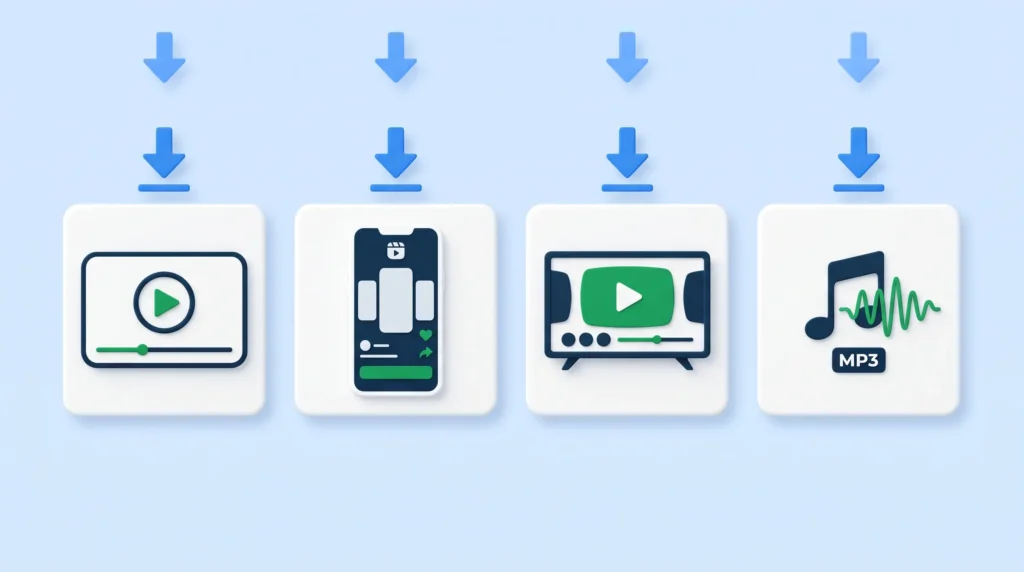

Facebook Live Replays
Download a completed Facebook Live video after the replay becomes available. Live videos that are still streaming cannot be downloaded yet.
Facebook Video to MP3
Do you only need the sound? Convert a Facebook video to MP3 and download only the audio. Good for music, talks, interviews and speeches.
Facebook Stories
Stories disappear after 24 hours. If a Story is public and still live, try the same copy-and-paste steps. If it is already gone, it cannot be downloaded.
Download Facebook Videos on Any Device
fvidsaver is a browser-based online tool. It works on any device with a browser. You do not need to install an app or a Chrome extension.
Download Facebook Videos on Android
Open Facebook on your Android phone, copy the video link, open fvidsaver in Chrome, paste the link, and download. The video is saved in your Downloads folder. No APK, no app store download, no extra app needed.
Download Facebook Videos on iPhone
On iPhone, copy the video link in the Facebook app, open fvidsaver in Safari or Chrome, paste the link, and download. The video is saved in Files on your iPhone. This is the easiest way to download a Facebook video on iPhone without an app.
Download Facebook Videos on PC
On Windows or Mac, copy the video link from facebook.com, paste it into fvidsaver, choose MP4 HD 1080p or MP3, and save it to your computer. No software installation, no login, no extension.
Supported Video Quality
Choose the quality that fits your device and internet. Higher quality means a bigger file size and a sharper video.
- HD 1080p - MP4 - TV, editing, big screen, best quality
- HD 720p - MP4 - Phone, laptop, good quality with medium file size
- 2K - MP4 - Very sharp video, when available from the original
- SD 360p - MP4 - Small file, fast download, slow internet, low storage
- MP3 - Audio only - Music, talks, interviews - no video file
HD vs SD - which is best?
HD is best if you want clear video on a big screen or if you want to edit the video later. SD is best if you have low storage on your phone or slow internet. The quality you can download always depends on the original Facebook video. fvidsaver shows only the qualities available for that video - it cannot make a low-quality video HD.
Why Choose fvidsaver?
- Free Facebook Video Downloader
- fvidsaver is free forever. No payment, no subscription, no hidden cost, no download limit for public videos.
No Login, No Signup
You do not need a Facebook login, and you do not need an fvidsaver account. Paste the link and download. No username, no password, no email.
No App, No Software, No Extension
The tool works in your browser. You do not need to install an app, download an APK, or add a Chrome extension. That keeps your phone and computer safe and clean.
Download in HD Without Watermark
Save Facebook videos in HD, 1080p and 2K when available, without a watermark added by fvidsaver. The video you save is the original video quality from Facebook.
Fast and Simple
One paste box, one Download button. Copy the link, paste it, choose MP4 or MP3, and save. No learning, no settings, no waiting.
Private and Safe
fvidsaver does not store your videos, your links, or your download history. All processing is temporary. Your personal data stays private.
Facebook Video Downloader Without Watermark
Many people search for a Facebook video downloader without watermark because they want a clean video to watch offline or to keep for personal use.
fvidsaver does not add any watermark, logo or text to the video you download. You get the original Facebook video, in the original quality, with no extra mark on it.

The same is true for Reels. A Facebook Reels downloader without watermark should save the Reel as it was uploaded - no added logo, no added text. That is what fvidsaver does.
Note: Do not remove a creator's own watermark or credit from a video, and do not re-upload someone else's video as your own. Only download videos you have the right to save, and use them for personal offline viewing, learning or backup.